What Is Field Service Asset Management?
Simply put, field service asset management is the process of tracking, maintaining, and organizing every piece of equipment your business owns – from your fleet vehicles to the handheld tools in your technicians’ trucks.
Assets can represent a significant portion of your company’s net worth.
For contractors, this includes:
- Vehicles – Trucks, vans, trailers
- Major equipment – Generators, lifts, specialty tools
- Hand tools and power tools – Everything from wrenches to thermal imagers
- Customer equipment – Furnaces, water heaters, electrical panels you’ve installed
- Office equipment – Computers, printers, furniture
Here’s the kicker: most small contractors don’t have a real system for tracking any of this.
Instead, they rely on memory, sticky notes, or a messy spreadsheet that nobody updates. And that approach is quietly bleeding money from your business every single day.
Why You Can’t Afford to Ignore Asset Service Management
Asset service management addresses three critical pain points:
Profit Leakage
When you can’t track tools and equipment, you end up repurchasing items you already own. Lost or misplaced tools cost contractors thousands of dollars annually – not just in replacement costs but in wasted labor hours searching for them.
Missed Maintenance
Do you know when your trucks are due for oil changes? When that backup generator needs its annual inspection? Without a system, you’re reactive instead of proactive. And reactive maintenance is always more expensive.
Depreciation Blindness
Your vehicles, computers, and major equipment lose value over time. That depreciation is a real business expense that affects your taxes and your bottom line. But if you’re not tracking it, you’re leaving money on the table come tax season.
What to Look for in Field Asset Management Software
Not all asset tracking solutions are created equal. Here’s what separates a true field asset management system from a glorified inventory list.
- Asset Assignment and Tracking: You need to know, at any given moment, who has which asset. Good field asset management software lets you assign assets to specific employees or vehicles.
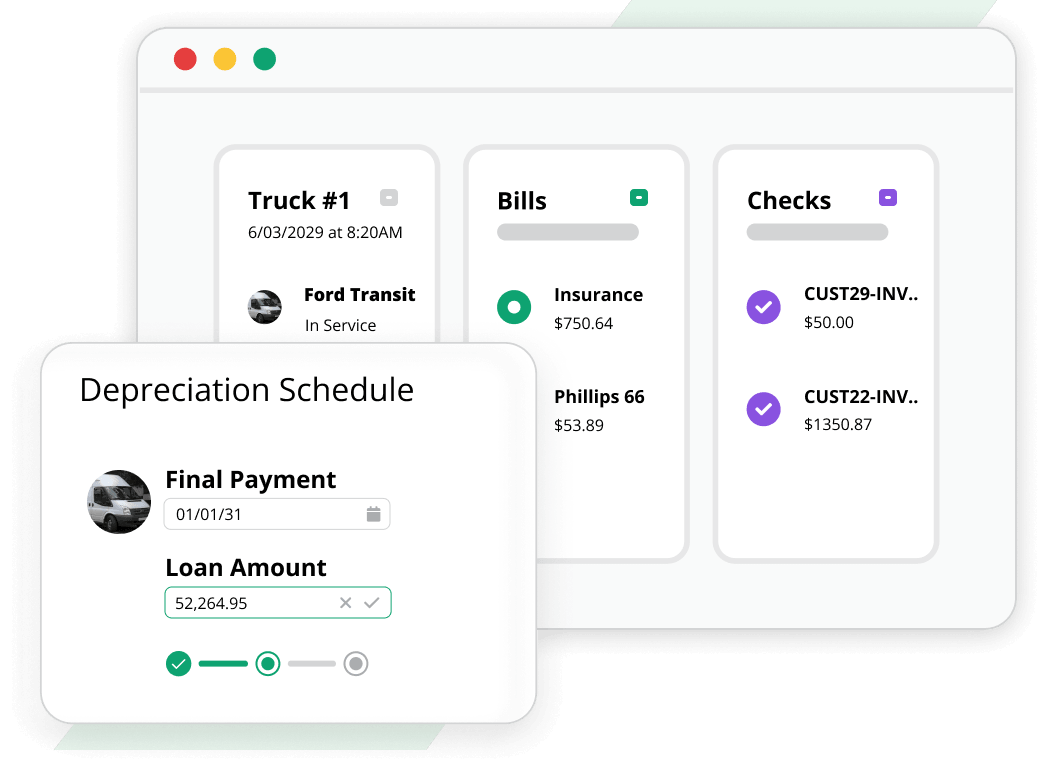
- Depreciation Calculation: Your assets lose value over time. Your software should calculate that depreciation automatically and help you track the asset through its entire lifecycle – from purchase to disposal.
- Warranty Management: When a piece of customer equipment fails under warranty, you need to know immediately. Your software should store warranty information and make it accessible from the field.
- Document Storage: User manuals, purchase receipts, service records – all of these documents should be attached to the asset record itself, not buried in a filing cabinet or a forgotten email folder.
- Mobile Access: Your technicians aren’t sitting at a desk. They need to access asset information from their phones or tablets while standing next to the equipment.
- Integration with Accounting: Your asset management shouldn’t live in a silo. It needs to connect with your accounting system so your balance sheet always reflects what you actually own.
How Aptora 360 Delivers Complete Field Service Asset Management
Aptora 360 is our all-in-one platform that unifies your office and field operations without duct tape or spreadsheets. Trusted by over 5,000 field service businesses nationwide, it’s built specifically for contractors in HVAC, plumbing, electrical, and related trades. Here’s how we handle asset management:
The Asset Manager: Your Central Command
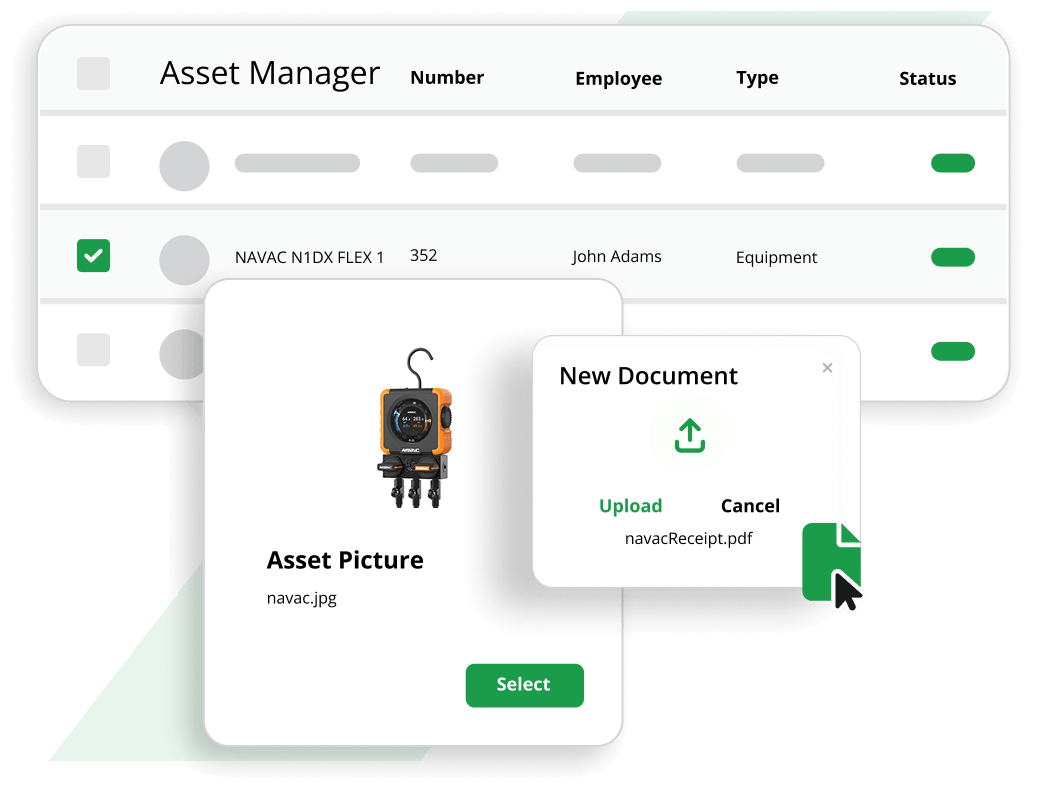
Our Asset Manager is the heart of our field service asset management system. From this single interface, you can:
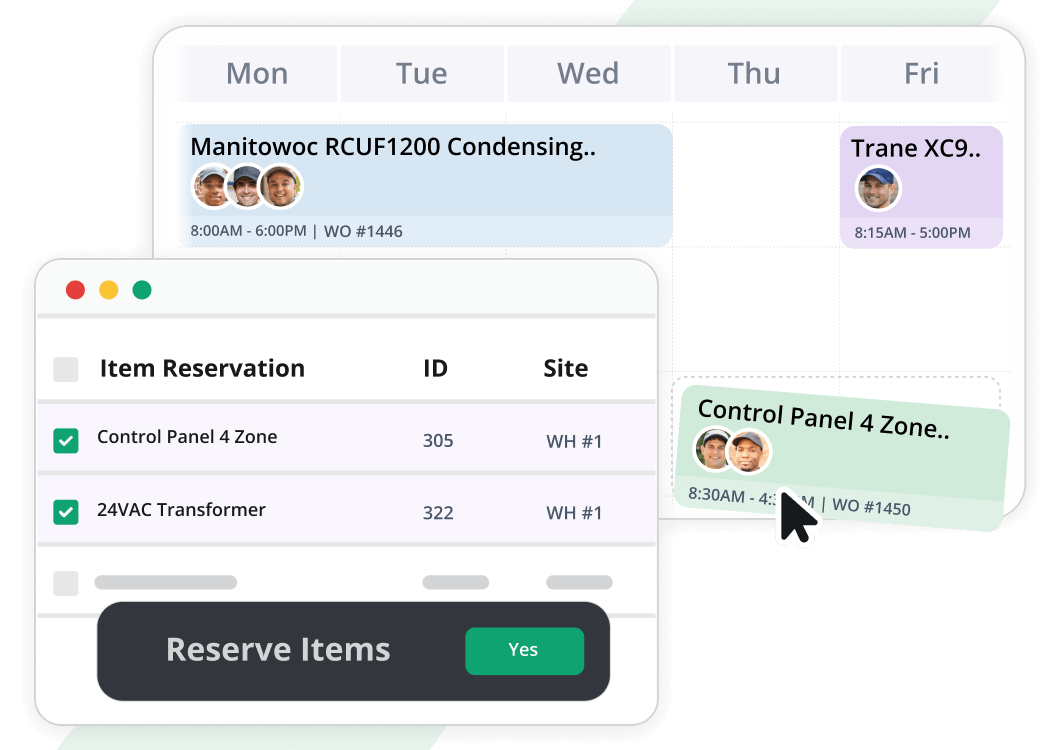
- Record every asset – Vehicles, office equipment, tools, and more
- Assign assets to employees – Know exactly who has what
- Assign assets to vehicles – Track which truck contains which equipment
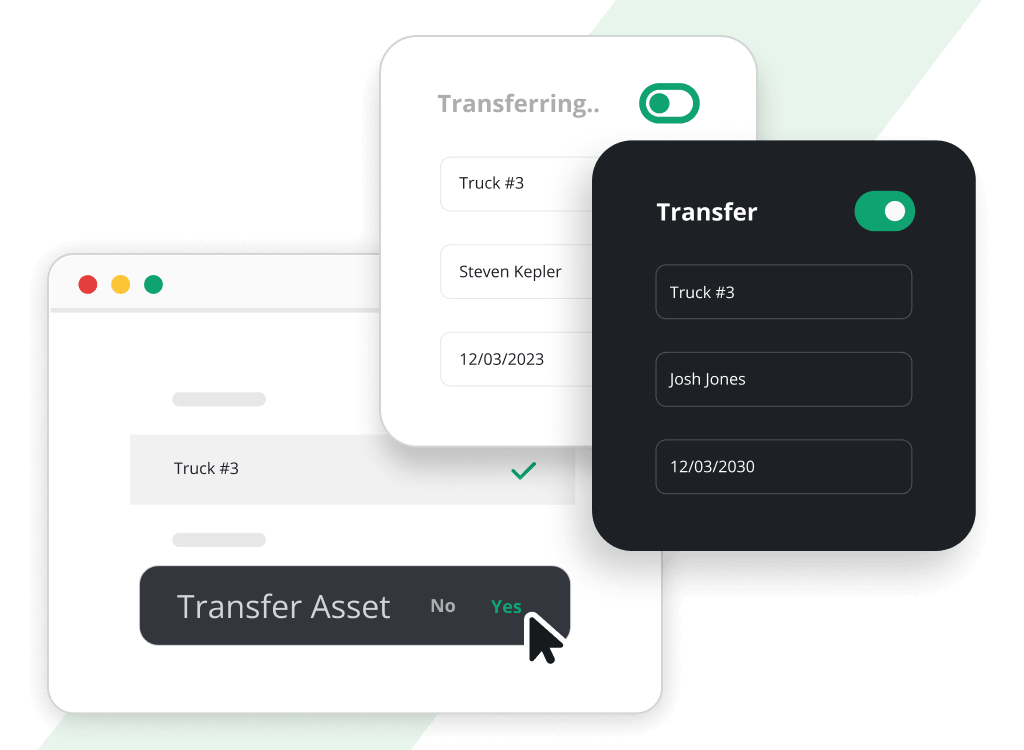
- Transfer assets – Move equipment from one technician to another with a few clicks
- Track hand tools and power tools – Yes, we handle the small stuff too
Every asset gets a unique identification number automatically. You can override it if needed, but our system ensures nothing falls through the cracks.
Complete Lifecycle Management
Your assets have a beginning, a middle, and an end. Aptora 360 tracks the whole journey.
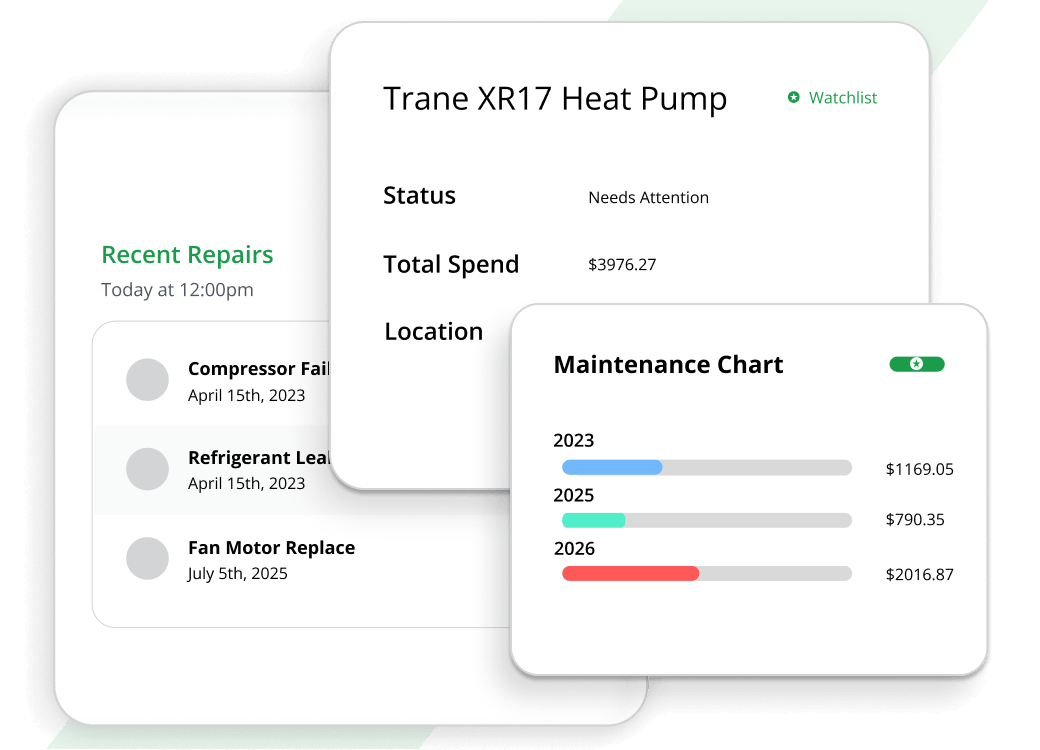
- Depreciation – We calculate depreciation over the useful life of each asset
- Warranty tracking – Store warranty information and never miss a coverage window
- Disposal management – When an asset reaches the end of its life, record its disposal and sale price
- Status tracking – Know at a glance whether an asset is active, in repair, or retired
Document Links: No More Paper Chaos
With Document Links, you can download user manuals, scan sales receipts, store service records – and attach everything directly to the asset record. No more digging through filing cabinets or searching for that one email from three years ago.
Manufacturers usually provide electronic versions of their manuals online. Download them once, attach them to the asset, and your whole team has instant access.
Mobile II: Asset Information in the Field
What good is asset tracking if your technicians can’t access it from the job site?
Aptora Mobile II connects your smartphones and tablets directly to Aptora 360. Your field team can view work orders, service records, equipment history, and warranty information while standing next to the customer’s equipment.
The app uses GPS tracking and interfaces with our job scheduling software to display the locations of assets and technicians in real time.
Customer Equipment Tracking
Your customers’ equipment matters just as much as your own. Store detailed information about every furnace, water heater, or electrical panel you’ve installed. When a customer calls for service, your technician arrives knowing exactly what they’re dealing with.
This isn’t just convenient – it builds trust. Customers notice when you remember their equipment.
Get Started with Aptora 360 Now
Field service asset management isn’t just about tracking equipment. It’s about protecting your investment, serving your customers better, and running a more profitable business. With the right field asset management software, you stop losing tools, you never miss warranty deadlines, and your accountant finally gets clean depreciation reports.
Aptora 360 delivers all of this and more. It’s the unified platform that brings together asset management, scheduling, accounting, mobile access, and customer management in one seamless system.
And here’s the best part: you don’t have to figure it out alone.
I built Aptora because I believe contractors deserve software that actually understands their business. Give us a call. Let’s talk about what asset management could look like for your company.
Your tools. Your trucks. Your time. Let’s put them all to work.








Truly powerful software that captures a ton of important data that can be used to optimize your service business.
Michael King CFO & CPA