What is Construction Time Tracking Software?
Time tracking software does exactly what the name implies: it records when your employees start and stop work. But for a contractor, it’s so much more than a digital punch clock. It’s the tool that connects labor hours to specific jobs, projects, and cost codes – giving you a clear view of where your money actually goes.
The Real Cost of the Paper Timesheet
For many amateur business owners and accountants, the transition from a physical punch clock or a spreadsheet to digital software feels daunting. You might be thinking, “If it isn’t broken, why fix it?”
The reality is that manual timekeeping is broken. It is leaking money out of your business in three specific ways:
- Buddy punching: An employee clocks in a friend who is running late.
- Forgotten breaks: You pay for 8 hours, but the crew worked 7.5 due to setup and cleanup time.
- Data entry errors: Illegible handwriting or transposed numbers on timesheets lead to payroll mistakes and client disputes.
When you move to a digital construction time tracking software, you aren’t just buying a gadget; you are buying back the margin that gets lost in the chaos of a busy job site.
What to Look for in Construction Timekeeping Software
If you are evaluating construction timekeeping software, you need a system that bridges the gap between the field and the office. Here are the non-negotiable features to look for:
1. The “Wall Clock” Replacement
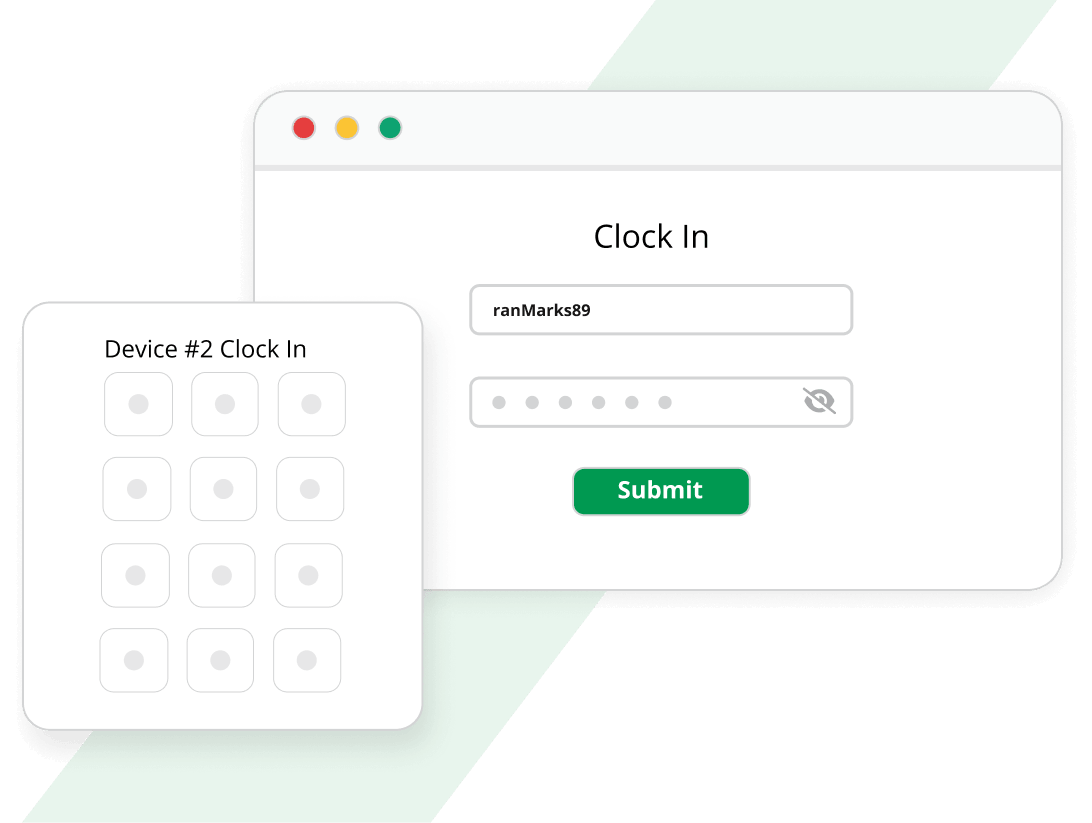
The best systems replace the old mechanical punch clock with a simple tablet or phone mounted on the wall. Your employees walk in, tap a button, and they are clocked in. It needs to be so simple that a new hire can use it without training.
2. Project and Work Order Integration
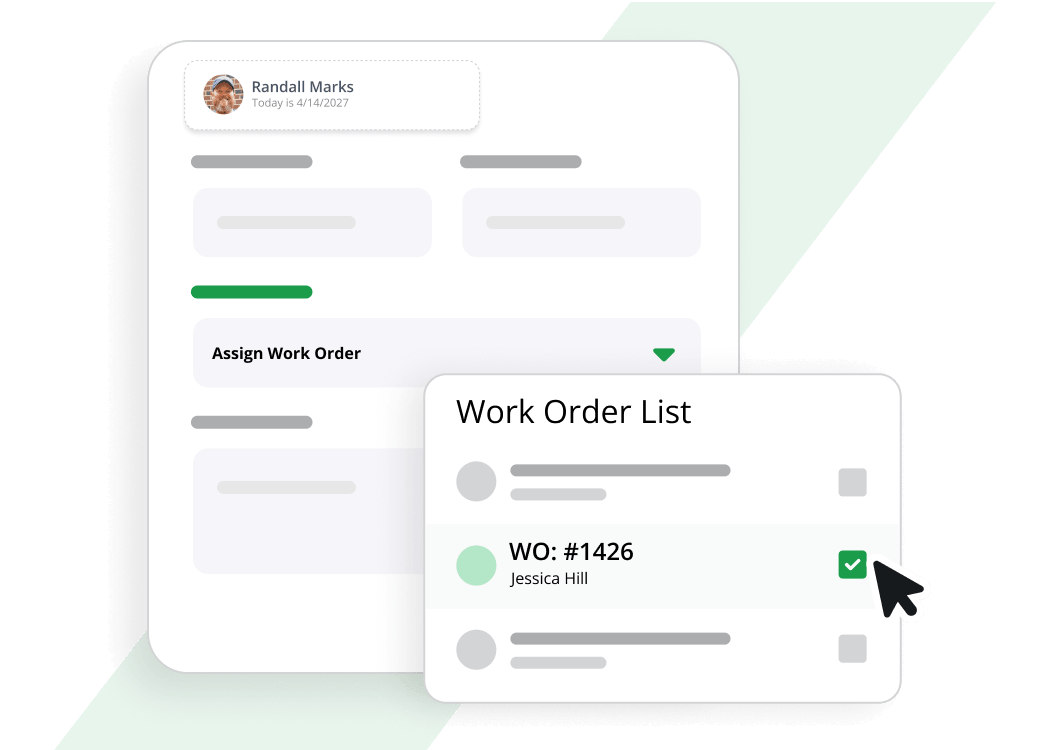
You must tie time to specific jobs. If you are working on a commercial build, a residential remodel, or a service call, the software needs to track time against those specific cost codes. Without this, you are guessing at your job profitability.
3. Mobile Capability
Your technicians aren’t always in the shop. They need a mobile app to be able to clock into a job the moment they pull up to the site, not 20 minutes later when they remember to text the office.
4. GPS Time Tracking
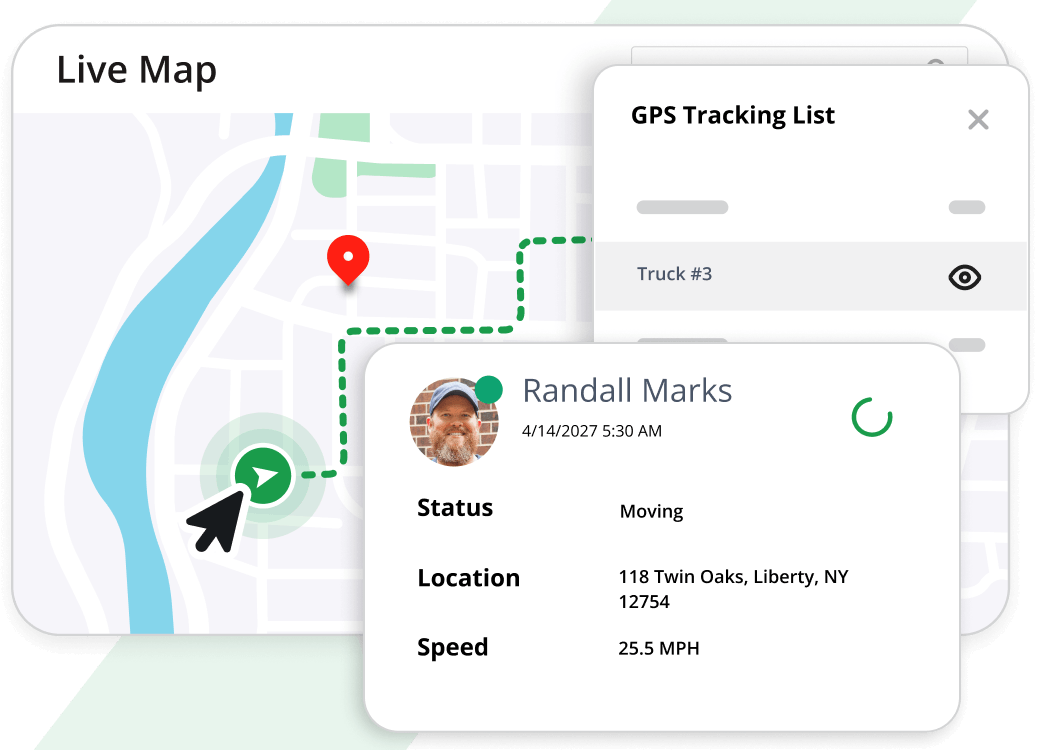
While not every crew needs it, GPS tracking ensures that employees are actually on the property when they clock in. It adds a layer of accountability that is invaluable for remote sites.
5. Database Integration
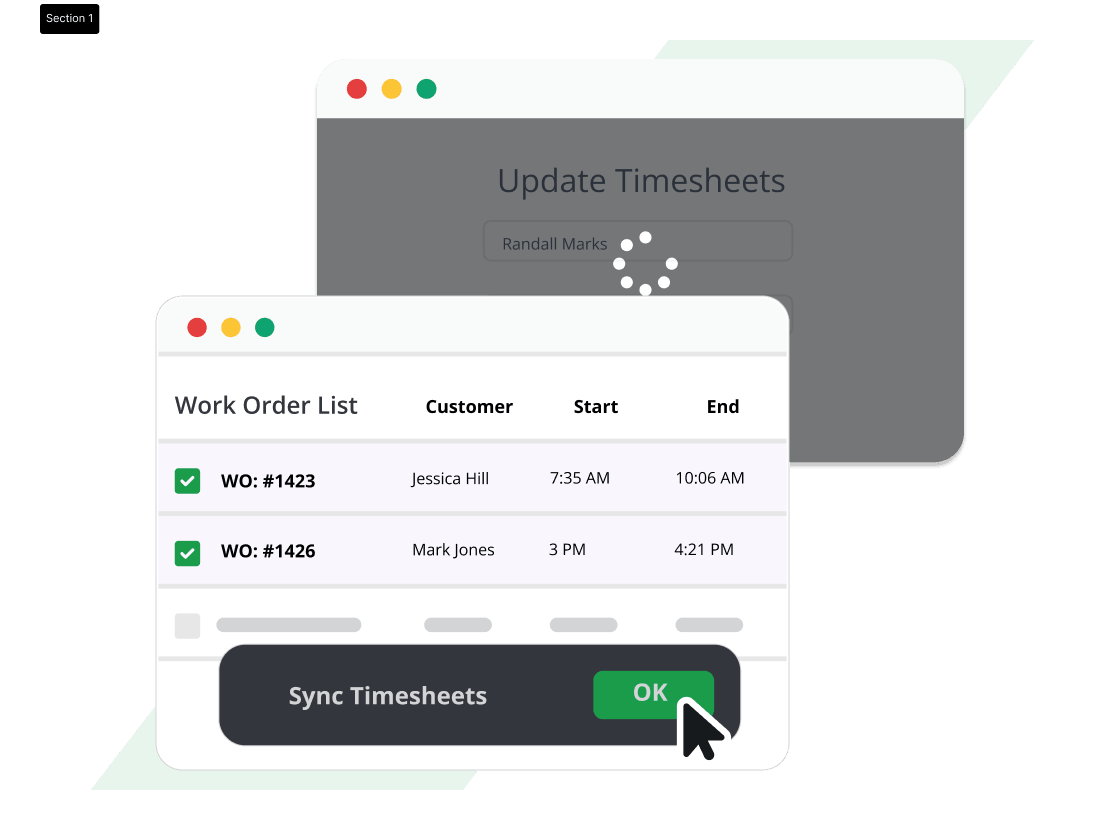
This is the big one. If your time tracking software sits in a silo, you will spend hours every week exporting CSVs and pasting them into your accounting system. The software must be fully integrated with your field service software to eliminate double entry.
How Aptora 360 Solves the Time Puzzle
When you use our time tracker software, specifically the Time Tracker Plus® module, you are looking at a system built by contractors for contractors. We didn’t just want to build a clock; we wanted to build a tool that ensures you get paid for every minute of expertise you provide.
Let me break down how it works in a practical sense for a business owner or an accountant.
Easy Setup: From Box to Clock in Under a Minute
- Install the App: You simply download the Time Tracker Plus app from the Google Play Store or the Apple Store.
- Mount the Device: You can mount a tablet to the wall of your shop or place it on a breakroom table. It replaces your physical punch clock instantly.
- Connect: The app syncs instantly to your Aptora 360 database. There are no complicated network configurations to mess with.
The Office Clock vs. The Field Clock
We understand that not all time is created equal. We offer different user experiences based on who is clocking in.
For Office Staff
When you mount that tablet on the wall, your office staff simply walk up and tap to clock in and out. They can select specific topics or work orders if needed, but it’s designed for speed. It takes two seconds.
For Field Crews
If you have field crews that don’t need to see invoices or customer history, Time Tracker Plus is ideal. It allows them to track time to specific work orders without giving them access to the full Aptora Mobile II app.
This is a crucial distinction. You want your crew focused on the install, not fiddling with complex software. They just need to click “Start” when they arrive at the jobsite and “Stop” when they leave. It captures the time to the project so you can accurately bid similar jobs in the future.
Geo Time Tracker: Accountability for Remote Sites
For those of you managing multiple jobsites across town, we offer the Geo Time Tracker. This is a separate mobile application that uses GPS to verify the location of the employee when they clock in.
Why use it? It prevents “time theft” where employees might claim to be on site when they are actually grabbing coffee down the street.
A Deep Dive for Accountants
As an accountant managing the books for a contractor, or if you are the business owner wearing the accountant hat, you care about the flow of data. You don’t want to spend your weekend reconciling timesheets.
Here is how our construction timekeeping software makes your life easier:
- Real-Time Data: The moment an employee clocks in or out on their mobile device, that data is written to the Aptora 360 database. There is no syncing at the end of the day.
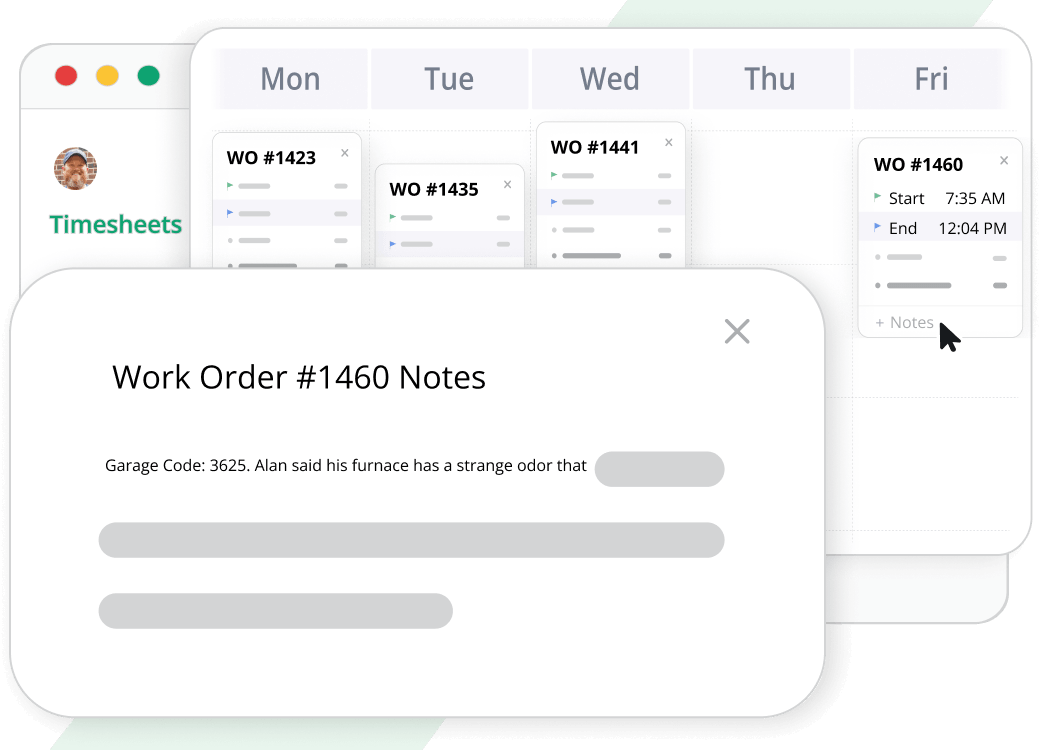
- No Data Constraints: Many competitors limit how much historical data you can store or limit the number of punches. Because our time tracker is integrated directly into the main database, you have unlimited history. You can audit a job from two years ago instantly.
- Payroll Integration: When payroll comes around, you aren’t re-keying data. The approved hours flow directly into the payroll software, reducing errors and processing time by hours.
Overcoming the “Big Brother” Concern
Owners often ask, “Won’t my employees hate this?”
The answer depends on how you implement it. If you install construction timekeeping software solely to catch people doing wrong, you will create resentment.
Instead, we encourage you to frame it as a tool for fairness.
- It prevents favoritism: No one gets paid for 8 hours if they only worked 7.5.
- It ensures accuracy: Employees no longer have to remember what they worked last Tuesday. The software remembers for them.
- It protects the company: When it comes time for audits or disputes, you have a clear, digital trail of who was where and when.
Getting Started with Aptora 360 Now
Whether you call it construction time tracking software, construction timekeeping software, or just a digital time clock, the goal is the same: to capture the true cost of your labor in real-time.
With Aptora 360, you aren’t just getting a clock. You are getting a fully integrated solution that connects your field crews and office staff into one unified database. From the Geo Time Tracker for remote job sites to the simple Time Tracker Plus app for your shop wall, we have built the tools to help you stop guessing and start knowing exactly where your money is going.
If you are ready to see how this works in your specific trade – whether it’s HVAC, plumbing, electrical, or general construction – we invite you to look at the Time Tracker Plus page.
Request a demo. Give us a call. We’ve been helping contractors solve this problem for a quarter of a century, and we’d love to help you too.






Truly powerful software that captures a ton of important data that can be used to optimize your service business.
Michael King CFO & CPA